Install Kali Nethunter in Android phone Using Termux.

Hello & Welcome friends . Today we learn to install Kali Nethunter in any android phone using Termux apk and without root & without limbo or any pc emulator or without any Error.Only follow My steps. This is very interesting topic & also easy
Which Things we Need:-
We need some things to install kali. First we know to that things-
1) Android Mobile:- You need of any android phone. I know that 90% of people had android phone
2) 5gb free storage:- But we need a android smartphone which have minimum 5gb of free memory . Because Kali is a big OS & it need a big space.
3) Internet Connection:- We need a good internet connection.
4) We need 2 apps :-.
1) Termux apk :- We will used termux apk to install Kali . Then we need a Termux apk. For download it link is below 👇
Termux apk Download :-https://shrinkme.io/TERMUXapk
But you know to use of termux . If you don’t know the use of termux apk please read my previous post & Watch my videos.
My Channel link:-https://www.youtube.com/channel/UCd9pYwEgiGc__YG8fB674dg
Termux Basic videos:-https://www.youtube.com/playlist?list=PLVsN9O9m8OHDZBeTc8U9ALlOVb0_O6_ad
2) Nethunter kex :- This is the another apk we use. You need to download this apk. For download link is below 👇.
Nethunter kex apk Download:-https://shrinkme.io/NethunterKexApk
First Download this apks then follow following steps
Kali Nethunter Installation:-
Now we start Kali installation . For that we use Termux apk. I suppose that you installed Termux apk. Then follow following steps.
Follow the following steps to install Kali Nethunter:-
Step1:- Open the Termux apk.
 Step2:- Then type ‘ apt update’ & press enter button.
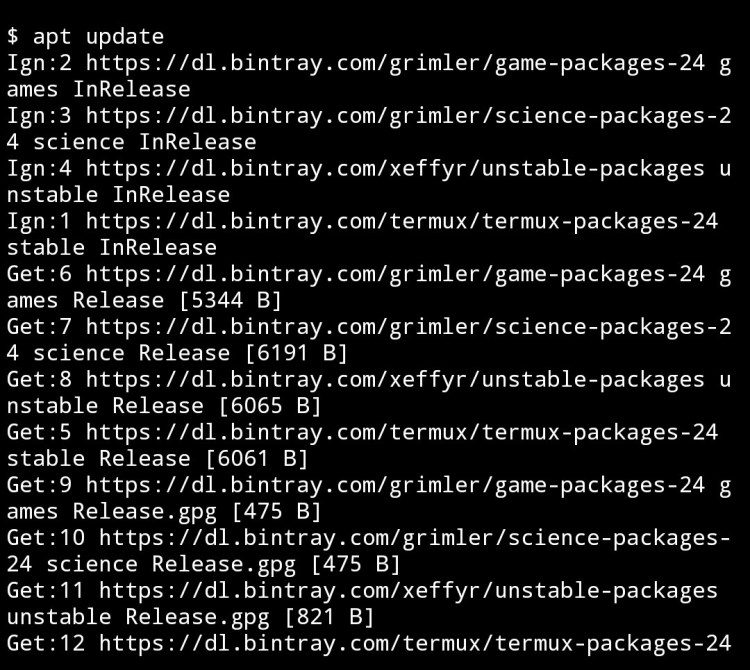 Step3:- Then type ‘ apt upgrade’ Command & press enter button.
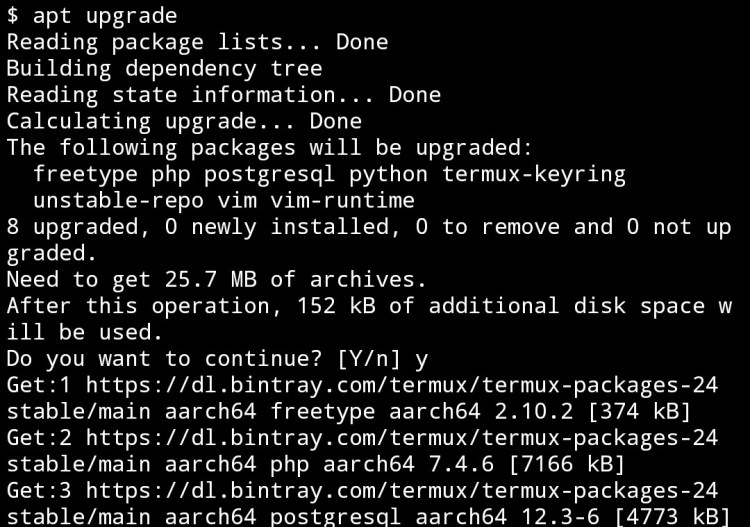 Step4:- Then type ‘ apt install wget’ Command & press enter button.
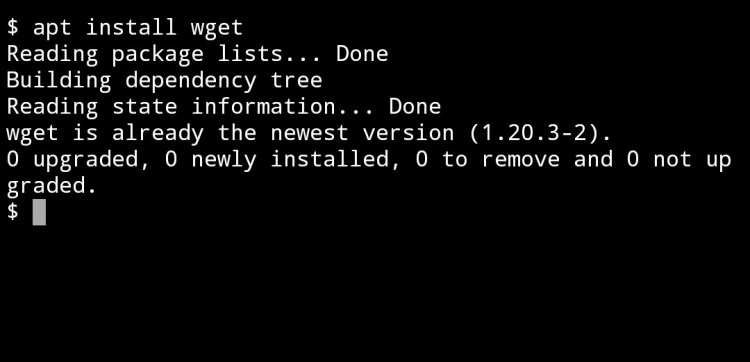 Step5:- (Then now next command are important follow carefully) Type ‘wget’ then space then type or paste this link ‘https://gitlab.com/kalilinux/nethunter/build-scripts/kali-nethunter-project/raw/master/nethunter-rootless/install-nethunter-termux’ Then press enter button.
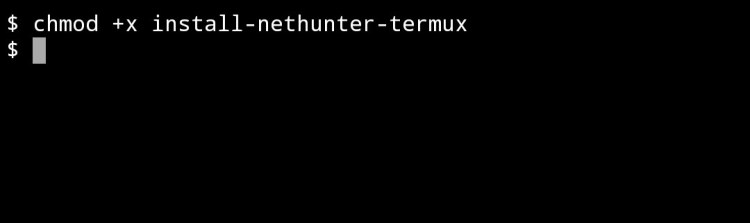
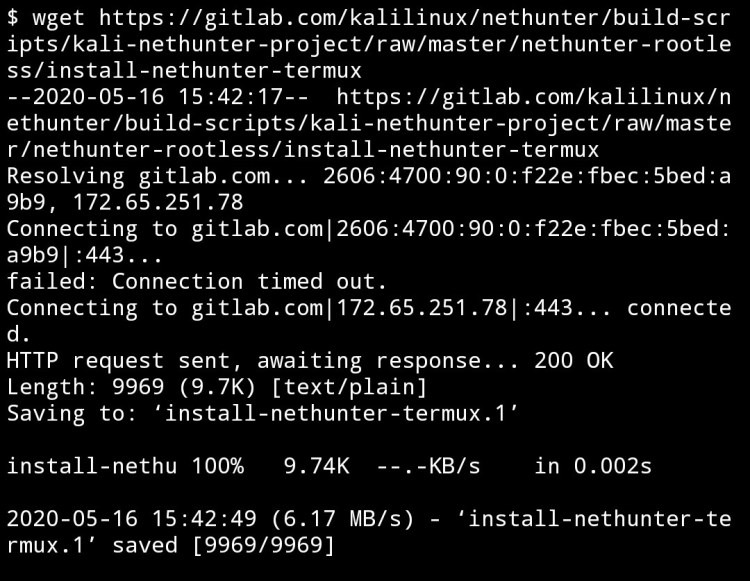 Step6:- Then type Command ‘ chmod +x install-nethunter-termux’ then press enter button.
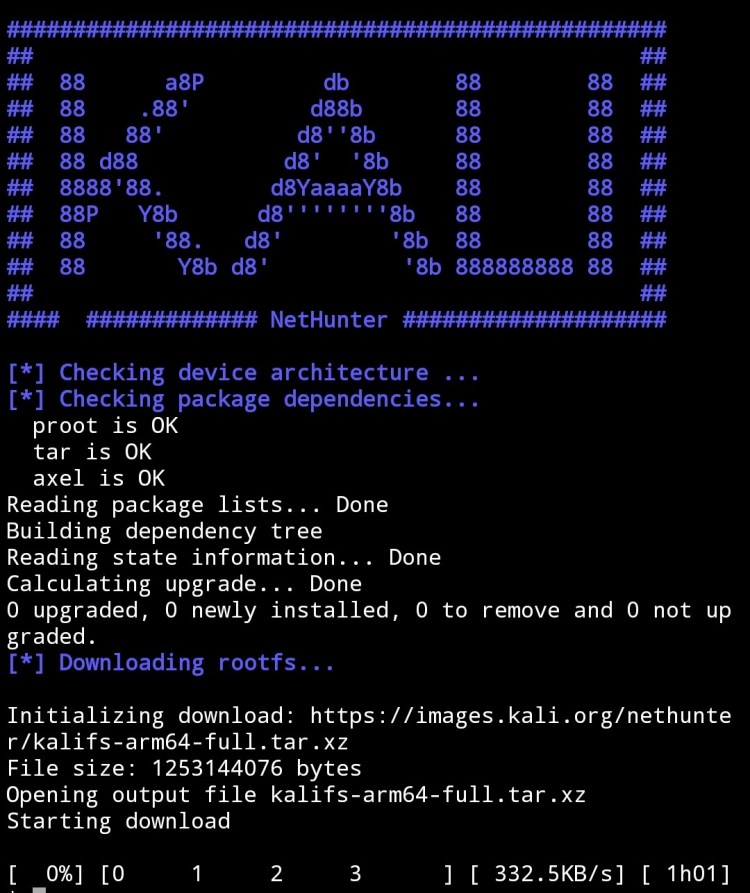
 Step7:- Then type command ‘ /.install-nethunter-termux’ then press enter button.
By this steps Kali Nethunter start to install
 Imp:-
Imp:-
1) It takes a 1.5gb of space & internet to install
2) It take 5 – 10 minutes to install ( depends on internet speed
3) After installing it extract automatically 4) Extracted file take upto 5gb of memory.
After installing & Extracting :-
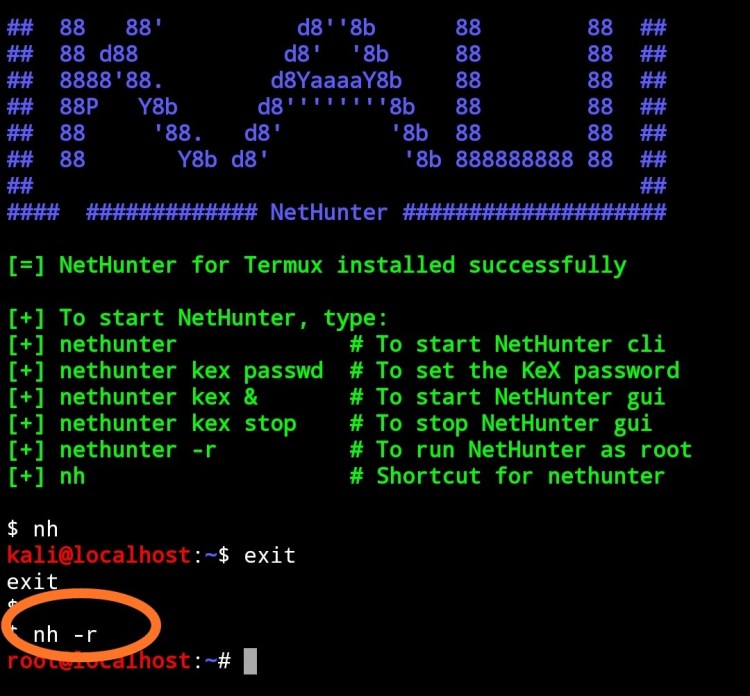
After installing & Extracting it looks like a following image 👇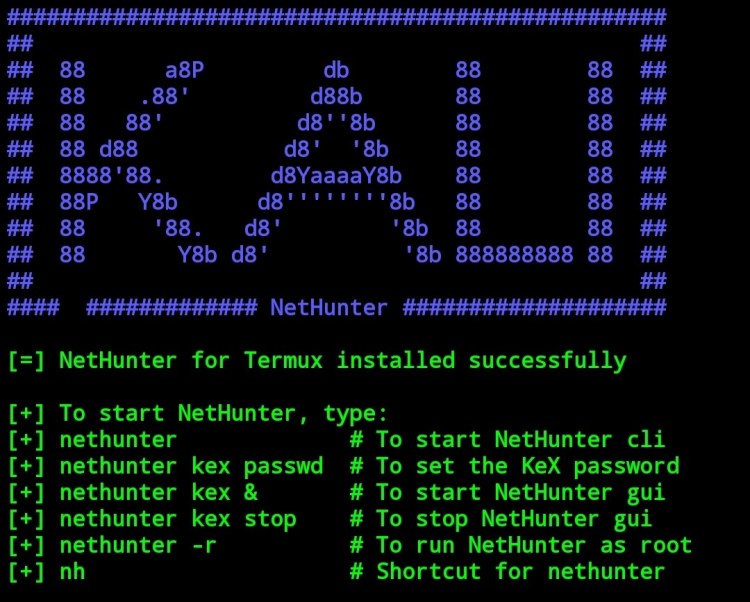 If you see that’s like image then you complete the installation & extraction of Kali. Then our last step to run Kali nethunter.
Beforethat we know the simple command of Kali Nethunter to run it.Command of Kali Nethunter:-1) ‘nethunter’ or ‘nh’:- This is the first command of Kali use to run Kali in termux directly.2) ‘nethunter -r’ or ‘nh -r’ :- This command use to run Kali in termux as a root.3) ‘nethunter kex passwd’ or ‘nh kex passwd’ :- When we run Kali in Nethunter kex apk the we first set password to Kali . Then for setting password this command is used.4) ‘nethunter -r kex passwd’ or ‘nh -r kex passwd’ :- This command is use to set password for Kali as a root.5) ‘nethunter kex’ or ‘ nh kex’:- This command used to run Kali Nethunter in Nethunter kex apk.6) ‘ Nethunter -r kex’ or ‘ nh -r kex’ :- this command use to run Kali in Nethunter kex apk ad rootAre some important Commands we use now below 👇.Then before running that I tell you that we run Kali in directly as Kali or as a root. And we also run it as desktop Kali using Nethunter kex apk.Run Kali Nethunter:-1) Run in Termux:- we can run Kali in termux as without root or as a root 1) Without root:- Type the command ‘nh’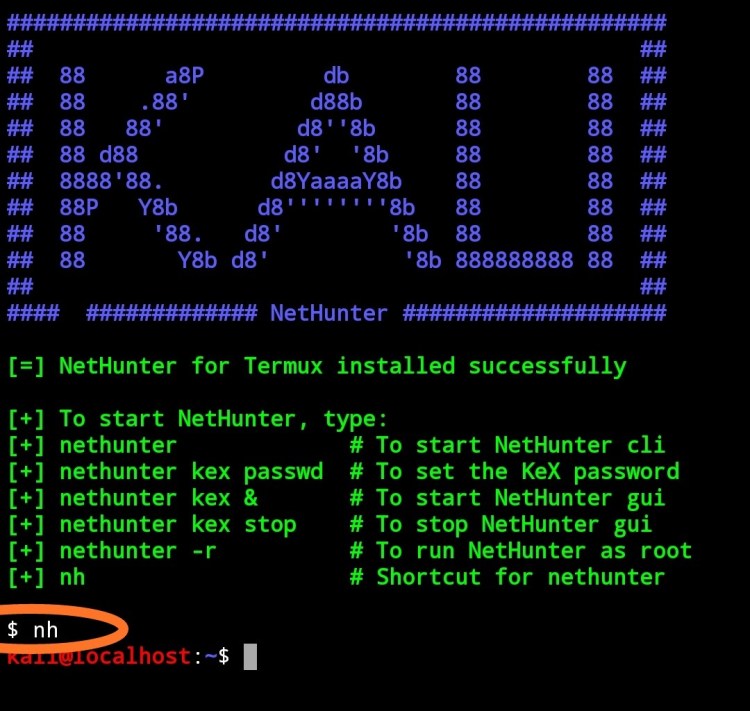 2) With root :- Type the command ‘ nh -r’
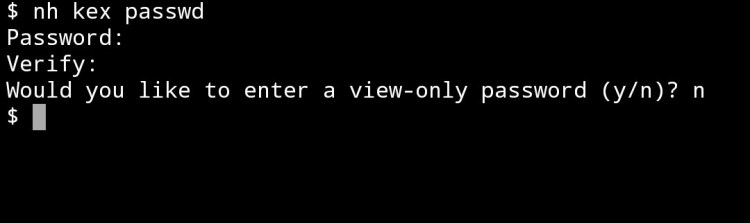
 2) Run in Nethunter kex:- Before run Kali in that app we set the passwordStep1:- Type command ‘ nh kex passwd’ then press enter button.To set password .
 Step2:- Type command ‘nh -r kex passwd’ then press enter button. To set password as root
By this command we sets the password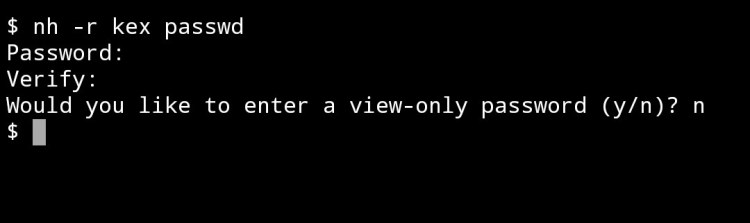 Now we run Kali in Nethunter kex:-1) Without root:-Step1:- Type the command ‘nh kex’ then press enter button.
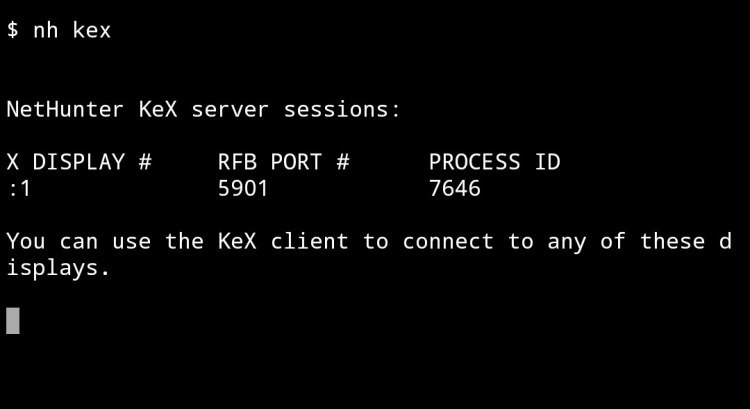 Step2:- Then copy the RFB port .
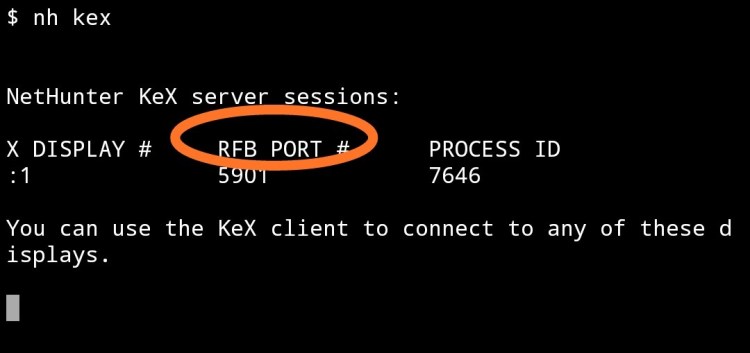 Step3:- Then go to the Nethunter kex apk .
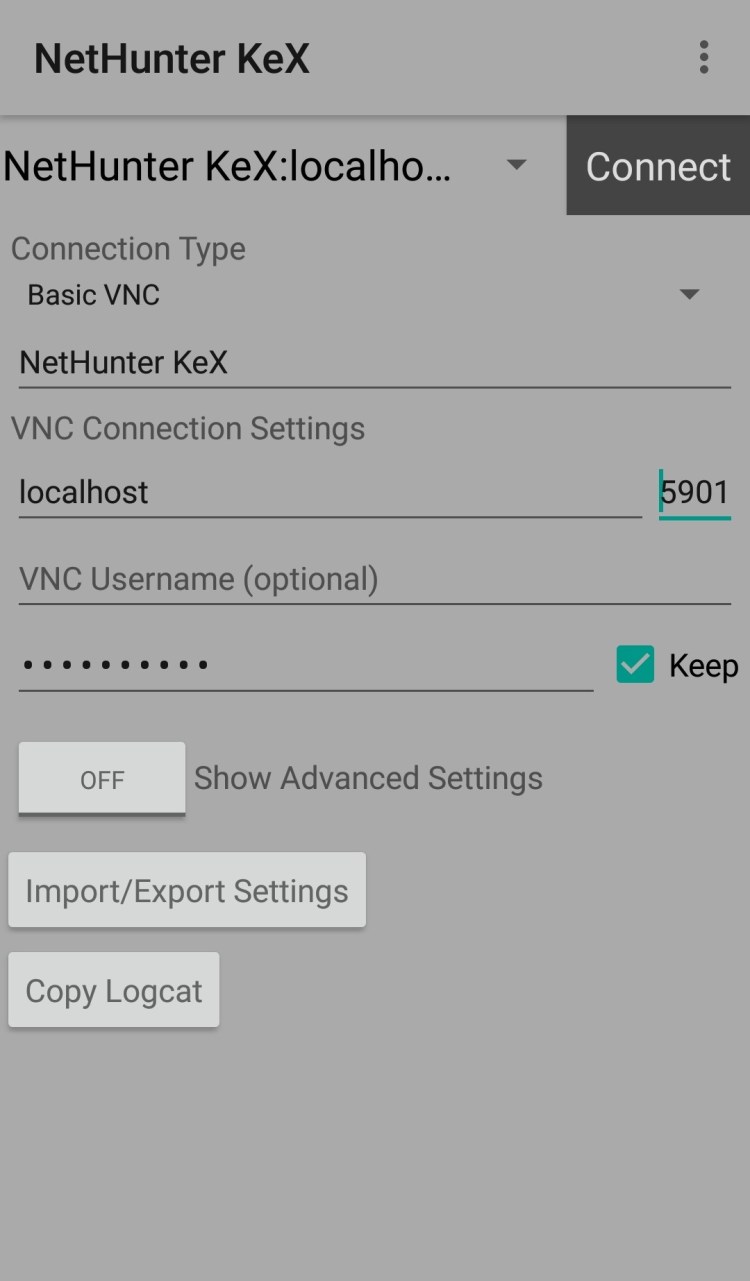 Step4:- Then paste RFB port in box front of local host box.
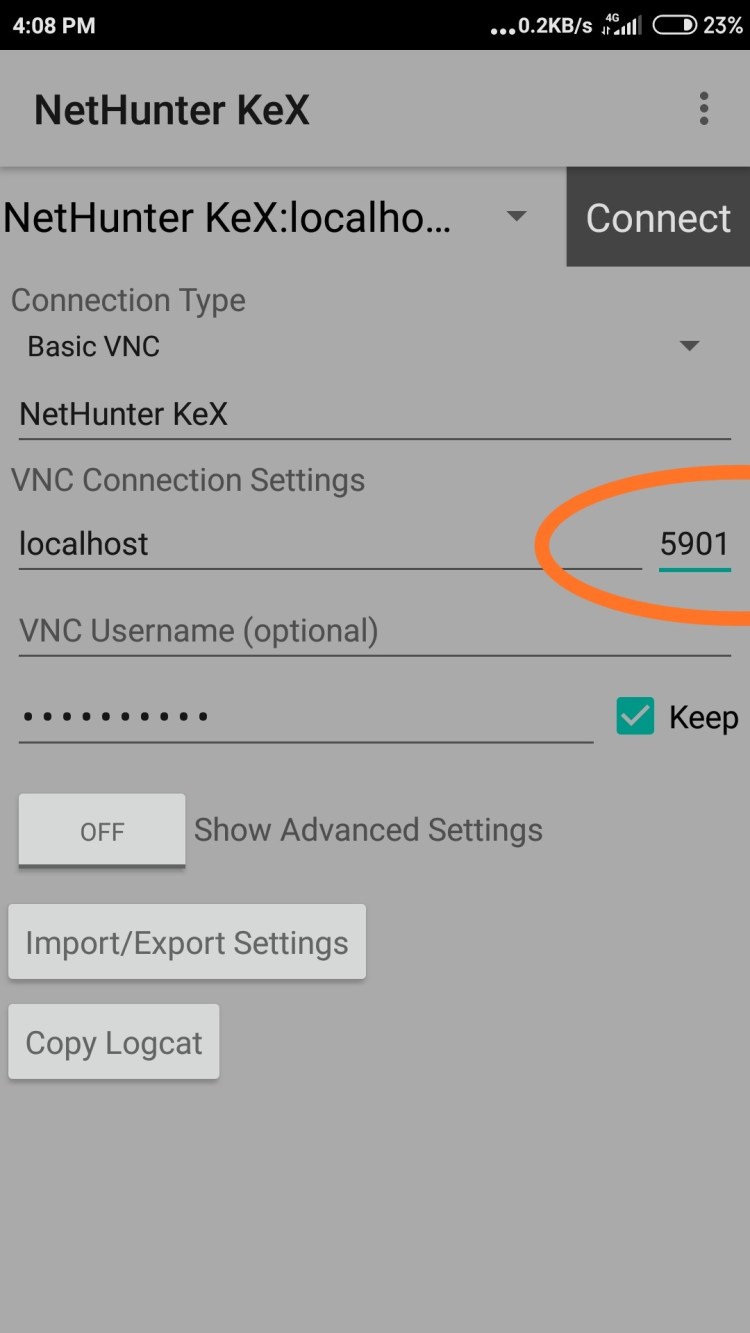 Step5:- Then type password here👇
 Step6:- Then click on ‘Connect ‘ button .
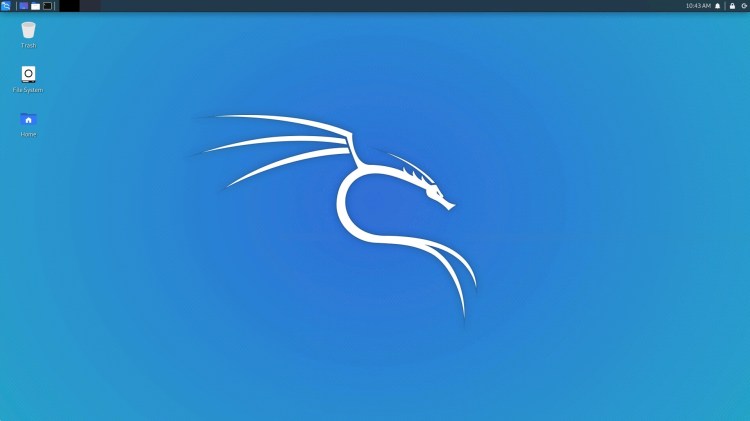
 Then you see the kali Nethunter like below image.
 2) With root:-Step1:- Type command ‘ nh -r kex’ then enter
 Step2:- Then copy the RFB portStep3:- Then open Nethunter kex apkStep4:- Then paste RFB port in box front of local host box.Step5:- Then click on ‘Connect ‘ button . Then Kali is open as open in first.If you want to cheack you use root or not then type ‘ whoami’ command in terminal.like following 👇
 Some important questions:-1) How to exit Kali running in termux:—> Type ‘exit’ command.2) How disconnect Kali from Nethunter kex–> click on 3dots in Kali & click on disconnect.3) How stop kex–> Type Command ‘nh kex stop’ in termux.
 Termux Teach Hindi