Install Sqlmap in Termux
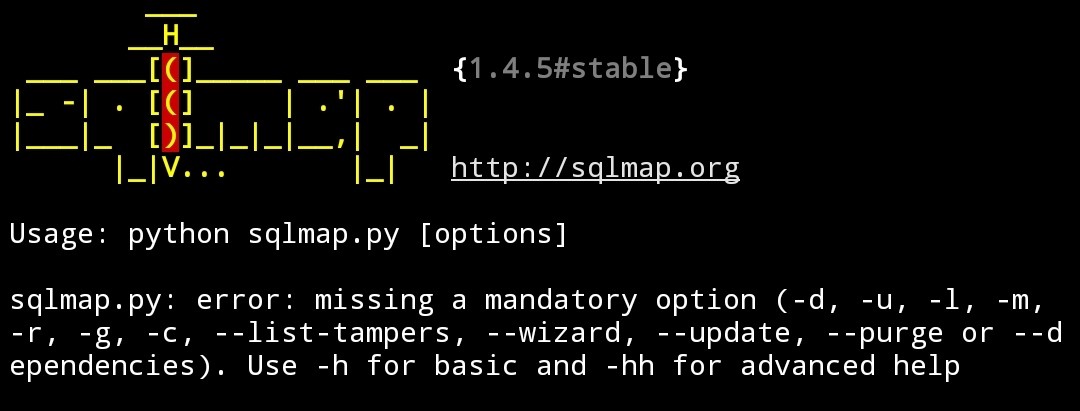
In this post we learn to Install Sqlmap in Termux & information about Sqlmap
What is Sqlmap :-
sqlmap is an open source penetration testing tool that automates the process of detecting and exploiting SQL injection flaws and taking over of database servers. Sqlmap enumerates the Username, password, database, tables & columns of website.
Sqlmap is a Python script use for Hacking websites vulnerable with Sqlmap vulnerability.We learn more about website hacking using Sqlmap in my next youtube video & in my next post.
Install Sqlmap in termux :-
Now we install Sqlmap in termux .Follow the following steps :-
Step1:- Open the termux.
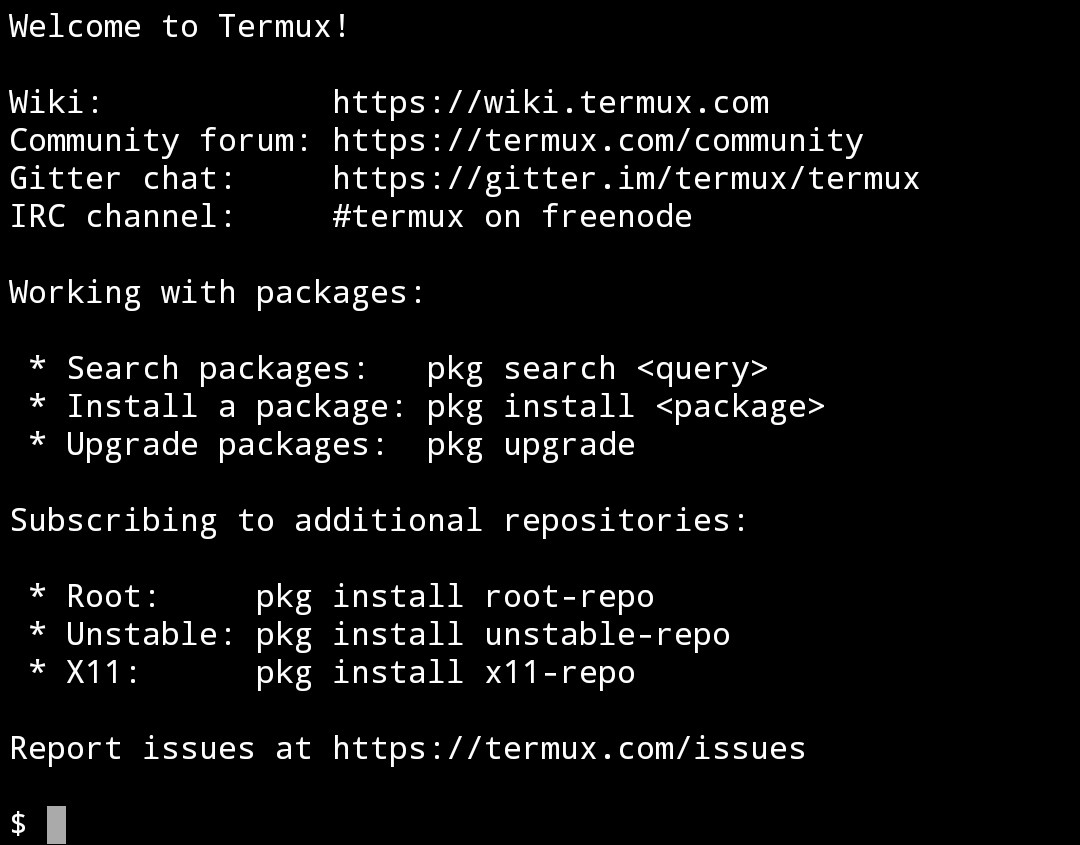
Step2:- Type command ‘apt update’ then enter.
Ex:- apt update
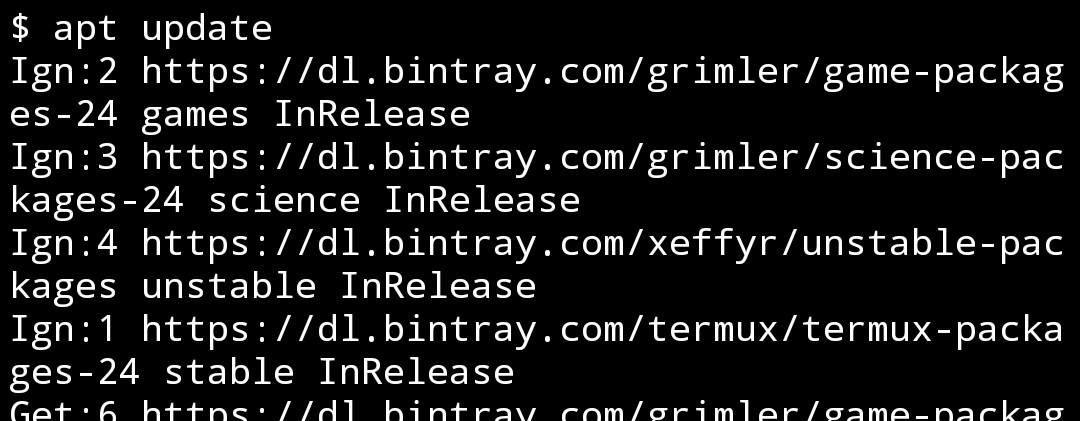
Step3:- Type command ‘apt upgrade’ then enter.
Ex:- apt upgrade
Step4:- Then type command ‘apt install git’ for installing git. (If if you already installed git then skip this step) then Enter.
Ex:- apt install git
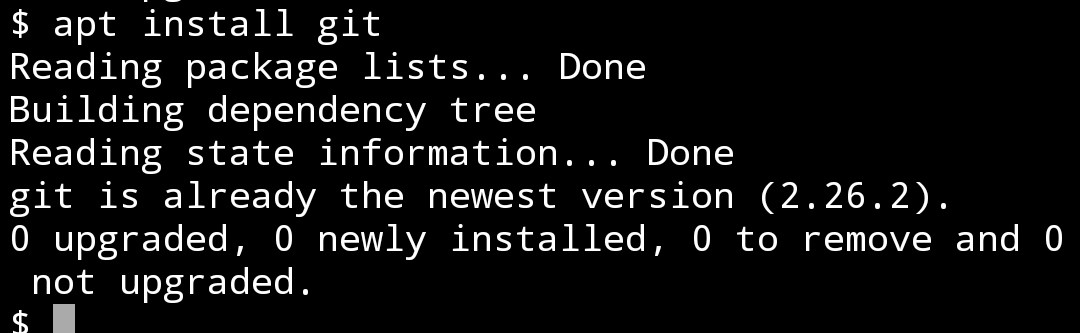
Step5:- Then we install Sqlmap script using git clone command. Then type first ‘git clone’ then space then type Sqlmap script ‘https://github.com/sqlmapproject/sqlmap’ then enter.
Ex:- git clone https://github.com/sqlmapproject/sqlmap

Step6:- ( After installing Sqlmap) Then type ‘cd sqlmap’
Ex:- cd sqlmap
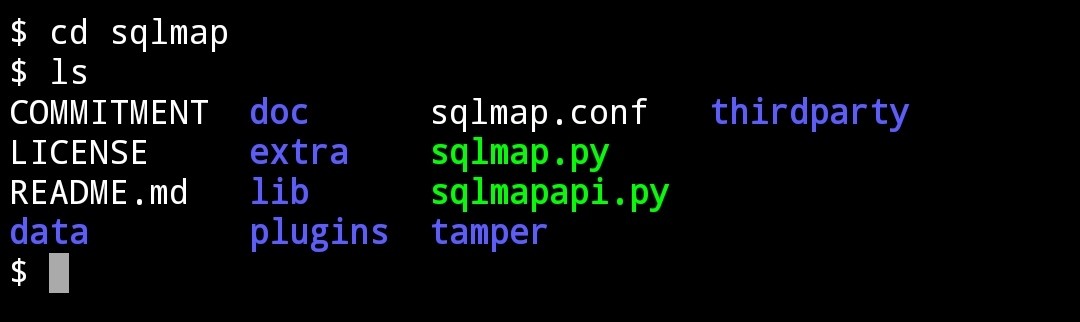
Step7:- Then type ‘python sqlmap.py’ for running Sqlmap python script.
Ex:- python sqlmap.py

Step8:- (By this steps we run Sqlmap) Then for viewing option of Sqlmap, type ‘python sqlmap.py –help’
Ex:- python sqlmap.py –help
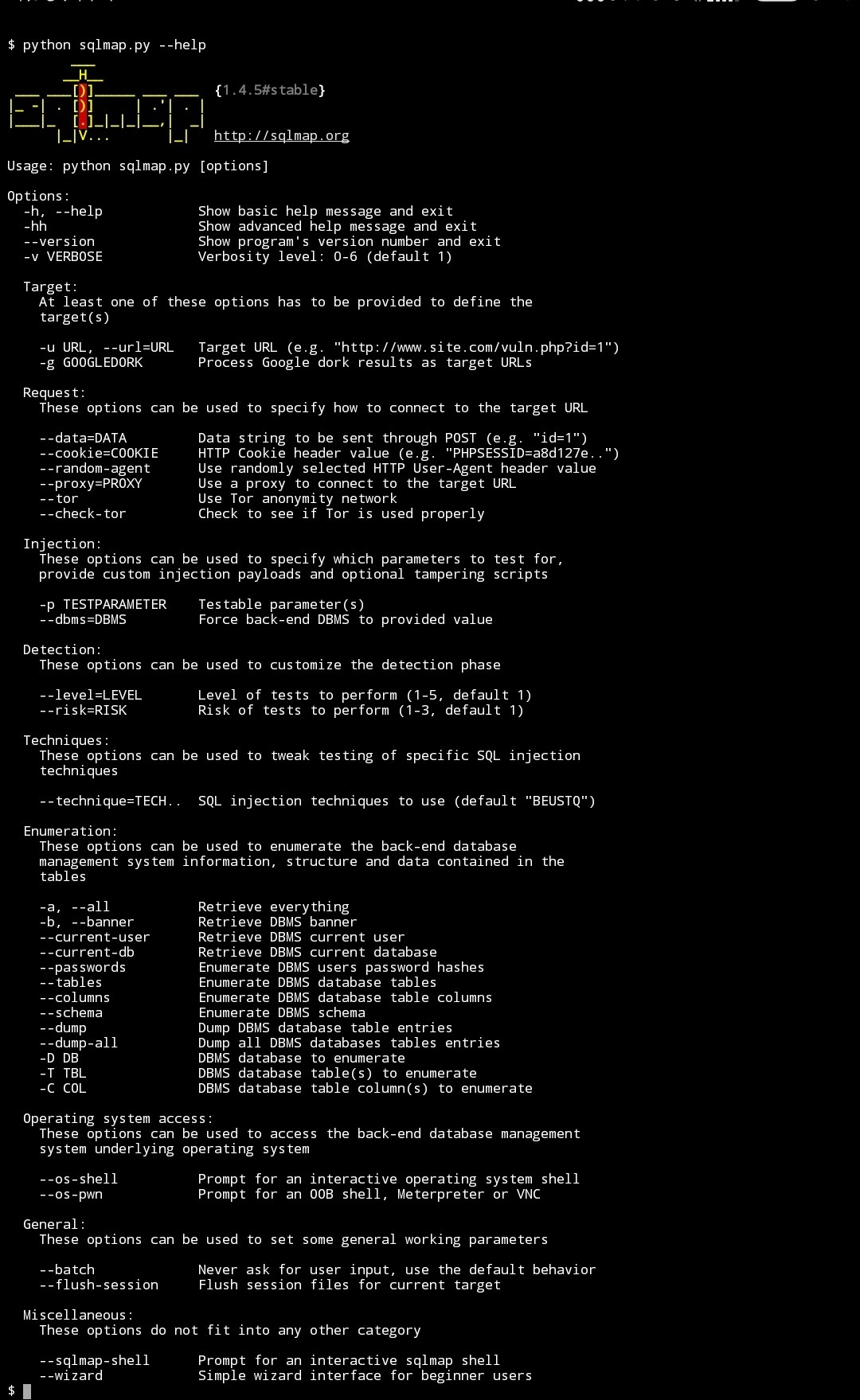
Now you can see many options of sqlmap. Each option has its specific use. We learn uses in my YouTube video & in next post.
Watch Video here👇

For Download this 👆video
Click👇here
For Download this 👆video
Click👇here
For Download this 👆video
Click👇here